
Caldendrium
Your records, in your own Apple Calendar and photo library.A cultivation log for caudex and succulents.
There's nothing to export or migrate, and your records remain even if you delete the app — always yours.A one-time $14.99 purchase — no subscription, no account.


Price may vary by country or region.
Record your care and growing conditions along with photos, then compare them with how each plant grew to see what worked.
Grow it, record it, look back
Yours even after deletion
-
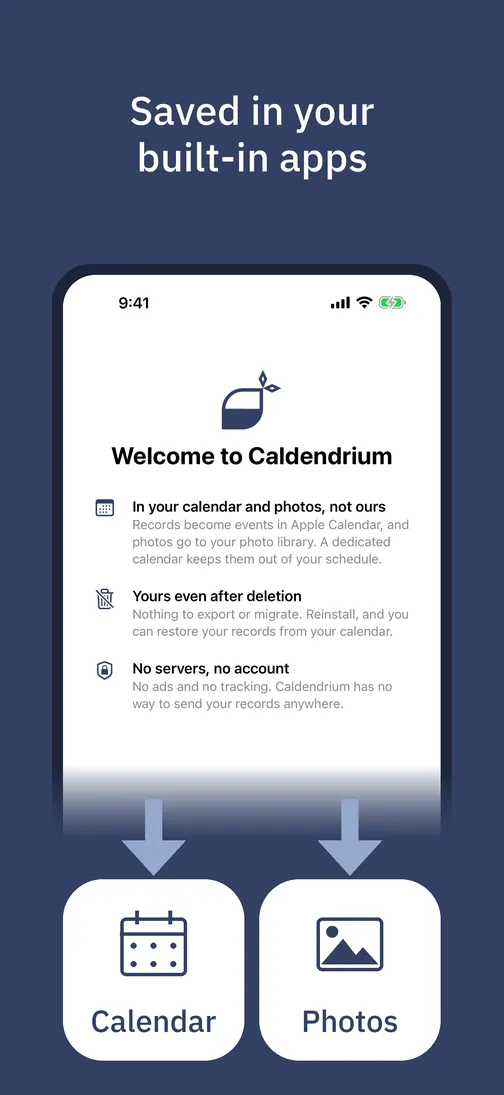
In your calendar and photos, not ours
Your records are saved in your own Apple Calendar and photo library. A dedicated calendar keeps them out of your schedule.
-
No servers, no account
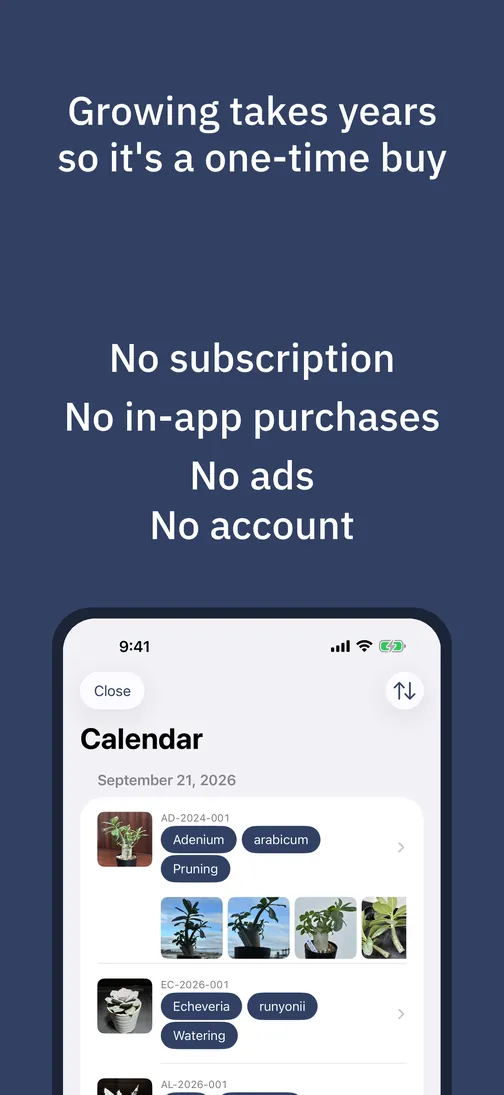
No ads and no tracking. Caldendrium has no way to send your records anywhere. It's a one-time purchase — no subscription, no account.
-
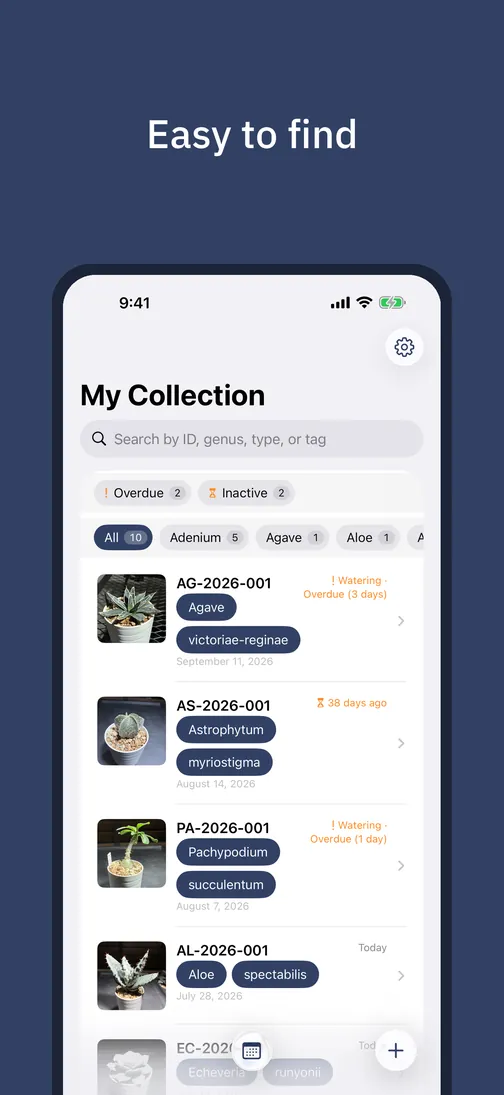
View your records by plant or by day
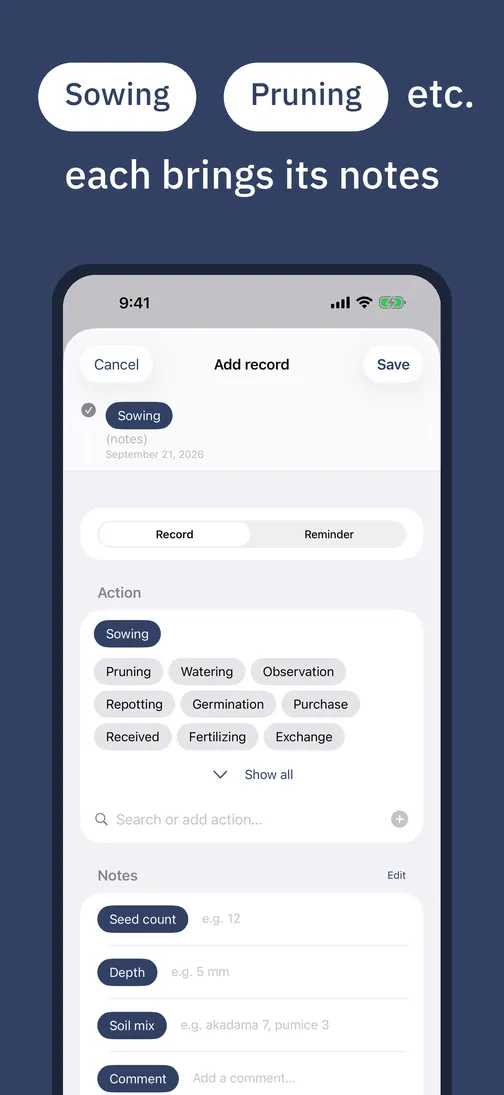
Log waterings, repottings, and more as calendar events. Organize with tags like seedling or variegated, and search by ID, genus, or type.
-
For the serious collector
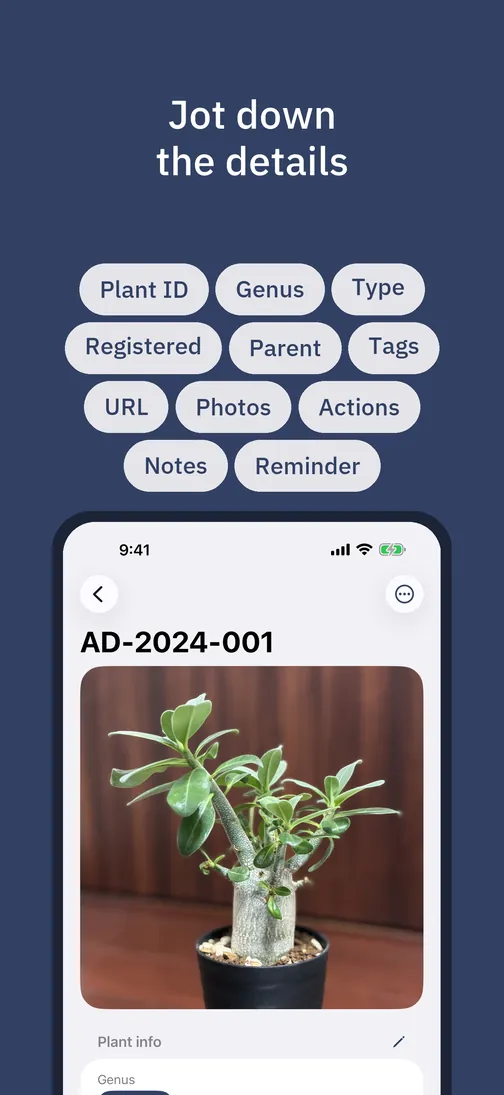
Track where each plant came from — seed, cutting, division, or lot — linked to its parent. Archive retired plants instead of deleting them. Scientific names throughout.
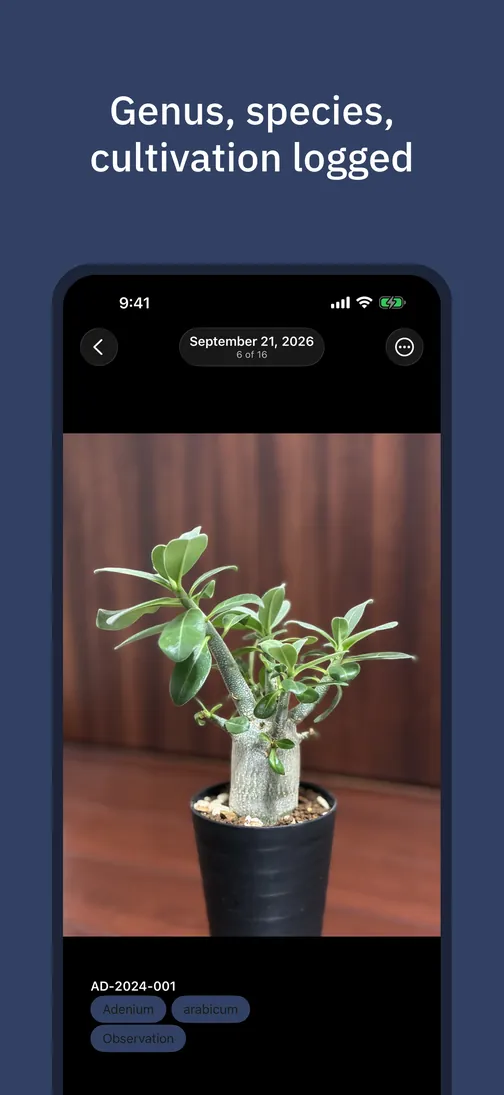
What you record in Caldendrium appears as events in the Apple Calendar app, and your photos stay in the Photos app — you can even sort them into albums by genus and plant.
More you can do
- Note conditions like soil mix, pot, and placement
- Add photos from your library or camera, and sort them into albums by genus and plant in the Photos app
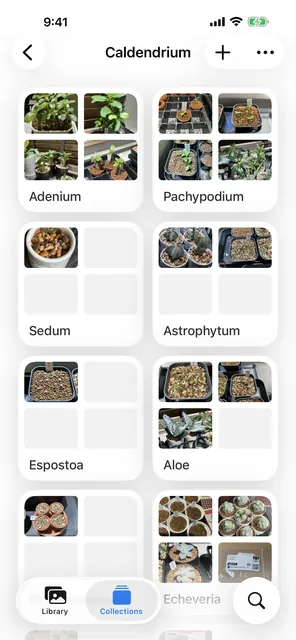
- Group by genus, with a color flag for plants that need care
- Share a plant's photo with a ready-made caption to any app
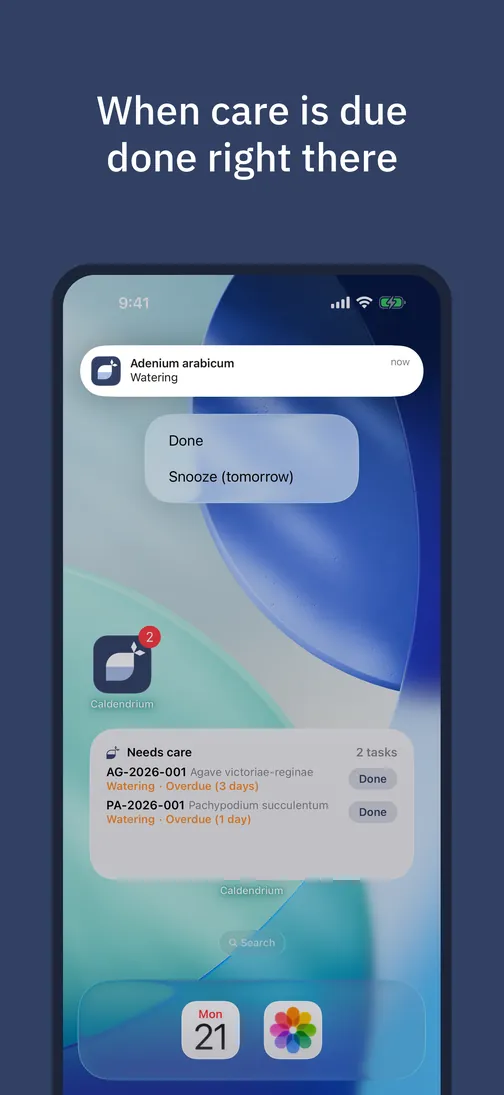
- Check care status at a glance with Home and Lock Screen widgets
- Start in Siri to pick a plant and care action, or register your usual pairs in Shortcuts
- Get reminded of upcoming care, and mark it done right from the notification
- Turn photos into records by sharing from the Photos app — each shot date becomes its own record
- Tap a record in Calendar to open it directly in Caldendrium
I grow caudex and succulents too. I built this app because I wanted a tool I'd reach for every day. That's why there's no server, no subscription, and no ads.
FAQ
- Where is my data stored?
- In your own Apple Calendar and photo library (synced via iCloud if you choose). Caldendrium does not run its own server and does not transmit your data to the developer.
- What happens if I delete the app?
- Your records remain in your own accounts. Deleting the app removes it and its local cache, but your calendar and photo data stays.
- Won't it clutter my everyday calendar?
- You can create a dedicated calendar for your records right inside the app (or pick any calendar you already have). Records go only to the calendar you choose, so your daily schedule stays separate. Showing, hiding, and color-coding it in the Calendar app works as usual.
- Can I see my records on iPad or Mac?
- Caldendrium itself is an iPhone app. But your records live in your calendar and photo library, so with iCloud sync enabled they appear on iPad and Mac in the standard Calendar and Photos apps — as ordinary events and photos. Even where the app isn't, your records are.
- Can I migrate my existing records?
- There's no importer for spreadsheets or notes. But records can be dated in the past — backdating your collection to the day each plant arrived is a use we designed for.
- What permissions does it need?
- Calendar access is required; Photos and Camera are optional, requested only when you attach or take a photo. Notifications are optional, requested when you save a reminder or use a calendar that already has reminders; all notifications are local, generated on your device. Location is not requested.
- Can other apps see my records?
- Because your records live in your own Apple Calendar and photo library, any app or service you allow (such as Siri) can read them — just like your other events and photos.
The more you grow, the more your records become a lasting asset.
Questions or feedback? Get in touch